How to Edit Entity Settings and Fiscal Details
Last updated: June 29, 2026
Campfire’s Help Center has moved. As of June 2026, this article is no longer being updated. Find the latest version in our new Help Center: view here.
Overview
Entity settings in Campfire control the foundational details of your organization — the legal entity name, description, currency, and fiscal year configuration. Getting these right matters because they flow through to reporting, close management, and revenue recognition. This guide walks through how to update them.
Step 1 — Navigate to Entity Settings
In Campfire, go to Settings -> Entities -> Edit on the entity that you would like to edit.
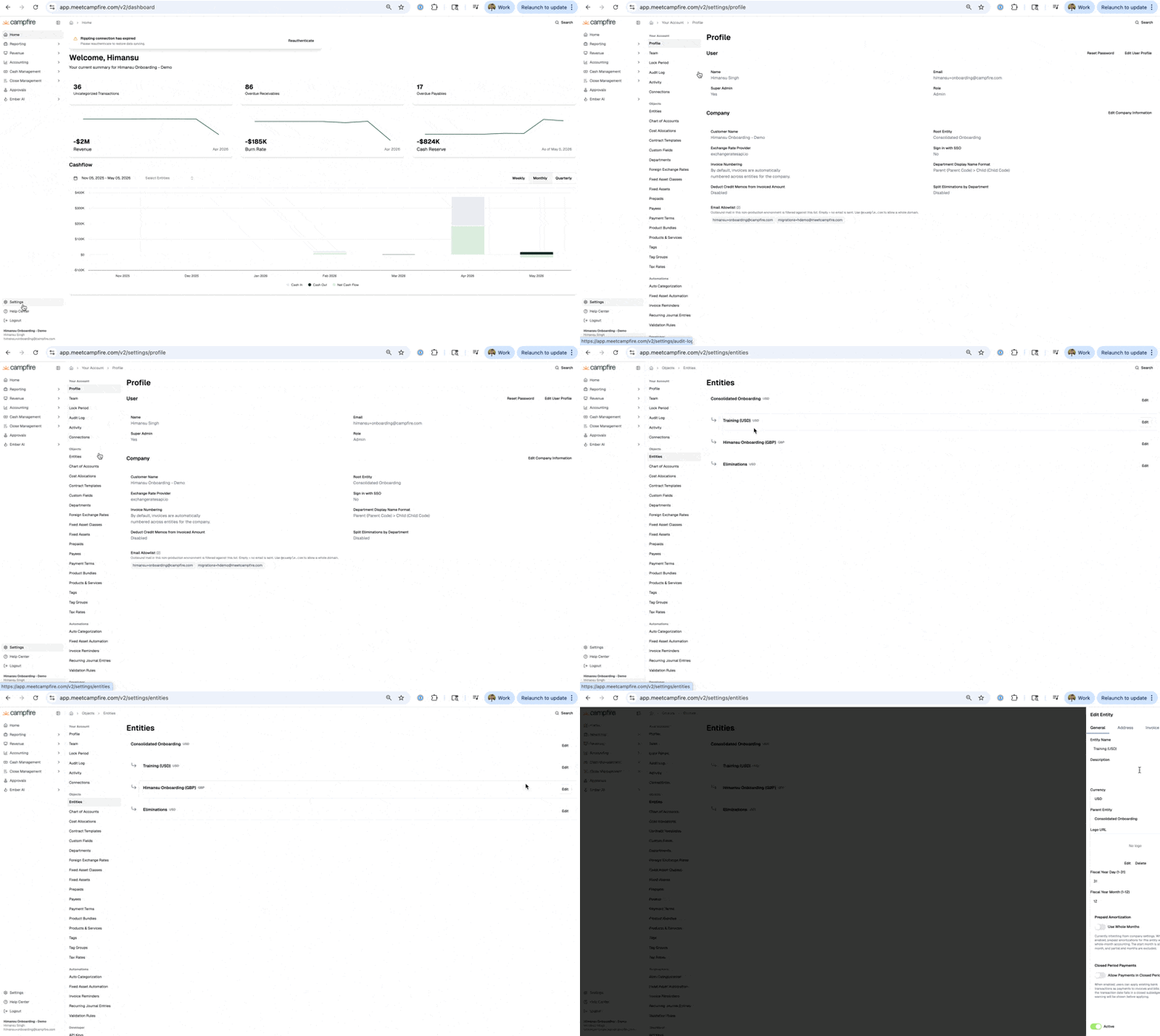
Populate the following Fields for the Entity:
Field | Description |
|---|---|
Entity Name | Legal name of the entity |
Description | Internal label for the entity |
Currency | Functional currency for the entity |
Parent Entity | The parent this entity rolls up to |
Logo URL | Upload or link a logo for the entity |
Fiscal Year Day (1-31) | The day of the month the fiscal year ends |
Fiscal Year Month (1-12) | The month the fiscal year ends |
Prepaid Amortization — Use Whole Months | When enabled, prepaid amortizations use whole-month accounting. Start month is always a full month and partial end months are excluded. Inherits from company settings by default |
Closed Period Payments — Allow Payments in Closed Periods | When enabled, users can apply existing bank transactions as payments to invoices and bills even when the transaction date falls in a closed subledger period. A warning is shown before applying |
Active | Marks the entity as active or inactive |