Managing S3 Data Uploads
Last updated: June 29, 2026
Campfire’s Help Center has moved. As of June 2026, this article is no longer being updated. Find the latest version in our new Help Center: view here.
Managing S3 Data Uploads in Campfire
Campfire provides an S3 Data Exports page that allows users with an existing S3 connection to view export activity and manually trigger uploads of Campfire data to Amazon S3.
This page is intended to give users visibility into when data was last pushed to S3 and control over when new uploads occur.
Accessing S3 Data Exports
To access the S3 Data Exports screen:
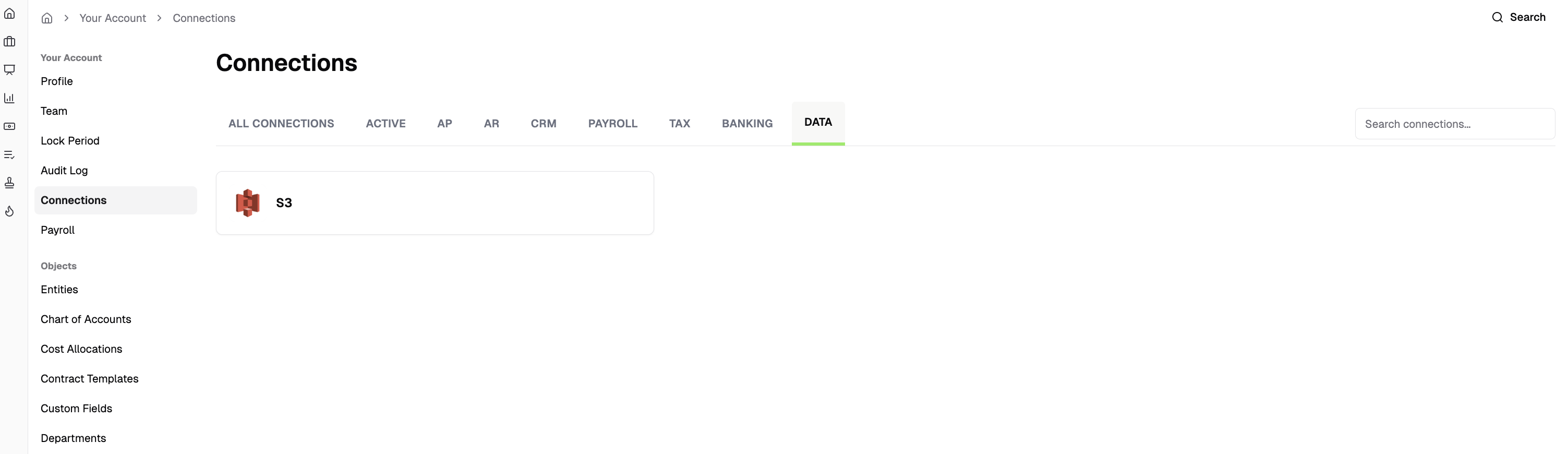
Your Settings → Connections → Data → S3
Only users with an existing S3 connection will see this option.
S3 Data Exports Overview
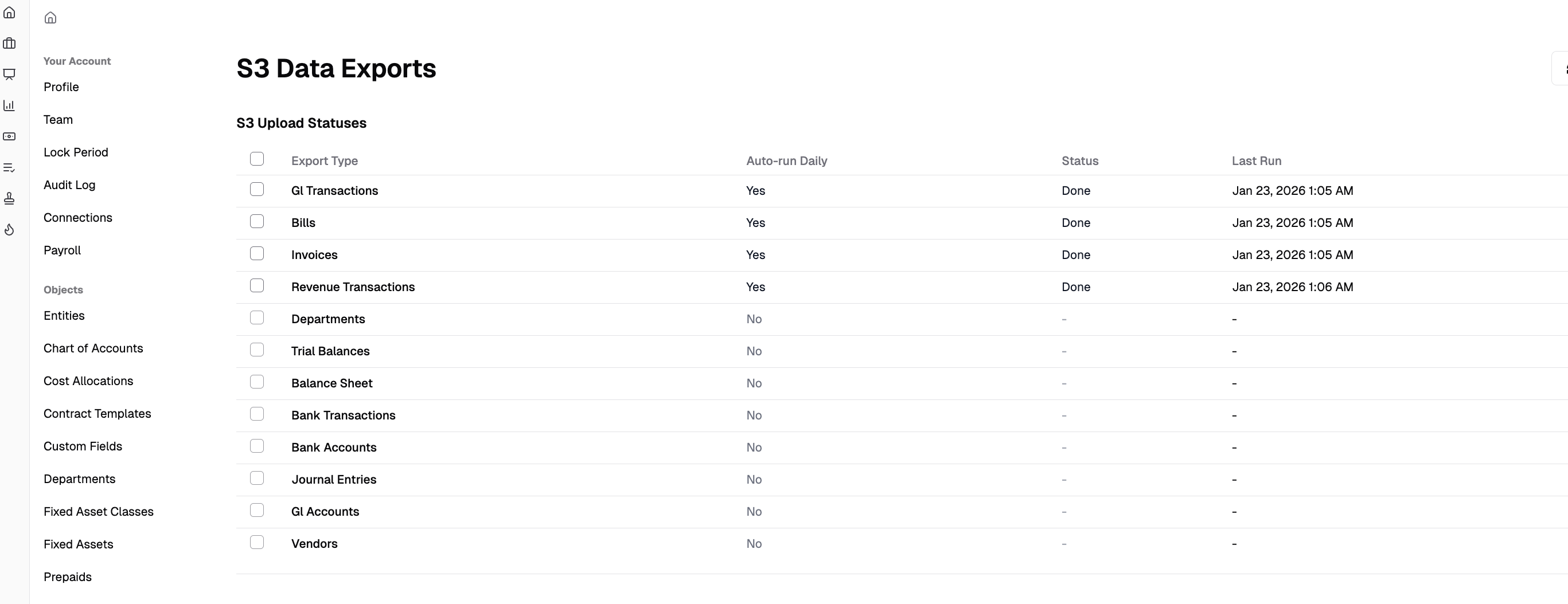
The S3 Data Exports page lists all supported data types that can be exported from Campfire to S3.
Each row represents a specific data type, such as:
GL Transactions
Bills
Invoices
Revenue Transactions
Trial Balances
Journal Entries
Vendors
Bank Transactions
For each data type, the table displays:
Auto-run Daily – Indicates whether the export runs automatically once per day
Status – Current upload state (e.g., Done, In Progress)
Last Run – Timestamp of the most recent successful upload
Triggering a Manual S3 Upload
Users can manually trigger an S3 upload for supported data types.
To start a manual upload:
Select one or more data types using the checkboxes
Click Sync Selected in the top-right corner
The upload begins immediately if no other upload is currently running
Manual uploads allow changes made in Campfire to be reflected in S3 without waiting for the daily scheduled export.
Upload Behavior and Constraints
The following rules apply to S3 exports:
Only one export per export type can run at a time
Example: Only one Invoices export can run at a given time
Multiple different export types can run concurrently
Example: Bills, Invoices, and GL Transactions exports can run at the same time
If an export for a specific type is already in progress, that same export type cannot be triggered again until it completes
Scheduled daily exports continue to run independently for all enabled export types
Availability and Scope
This functionality is available only to customers with an existing S3 connection configured in Campfire.
Self-service S3 connection setup is not currently supported.