How to Create Customer Statements
Last updated: June 29, 2026
Campfire’s Help Center has moved. As of June 2026, this article is no longer being updated. Find the latest version in our new Help Center: view here.
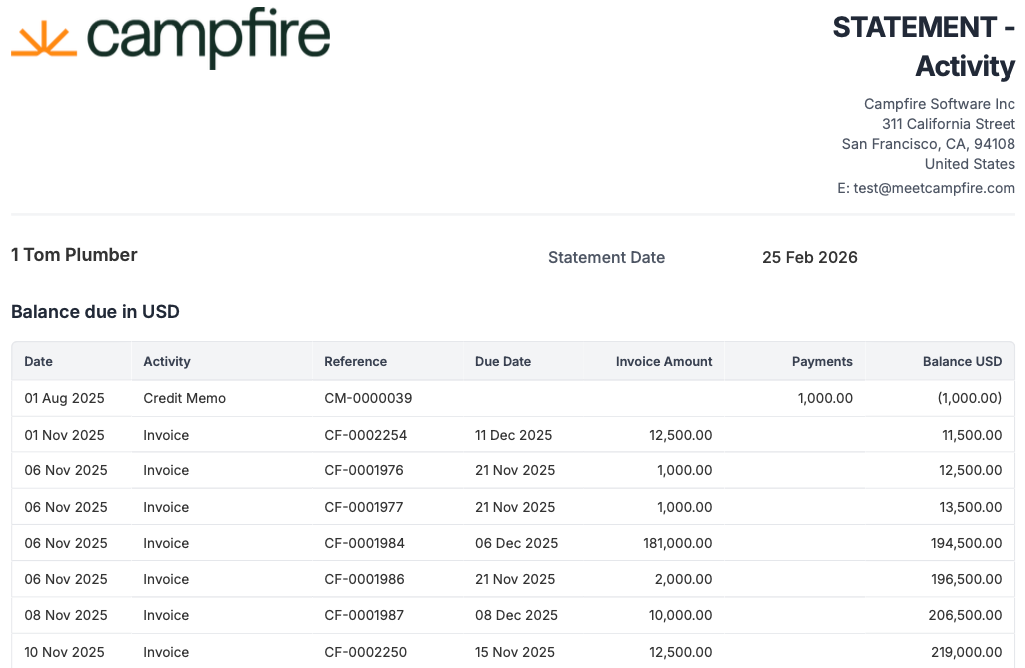
A customer statement in Campfire summarizes a customer's account activity over a given period — including invoices, credit memos, and their outstanding balance.
Navigate to Reporting > Reports > AR Aging.
Click on the 'As of' Date for which you want the report for.
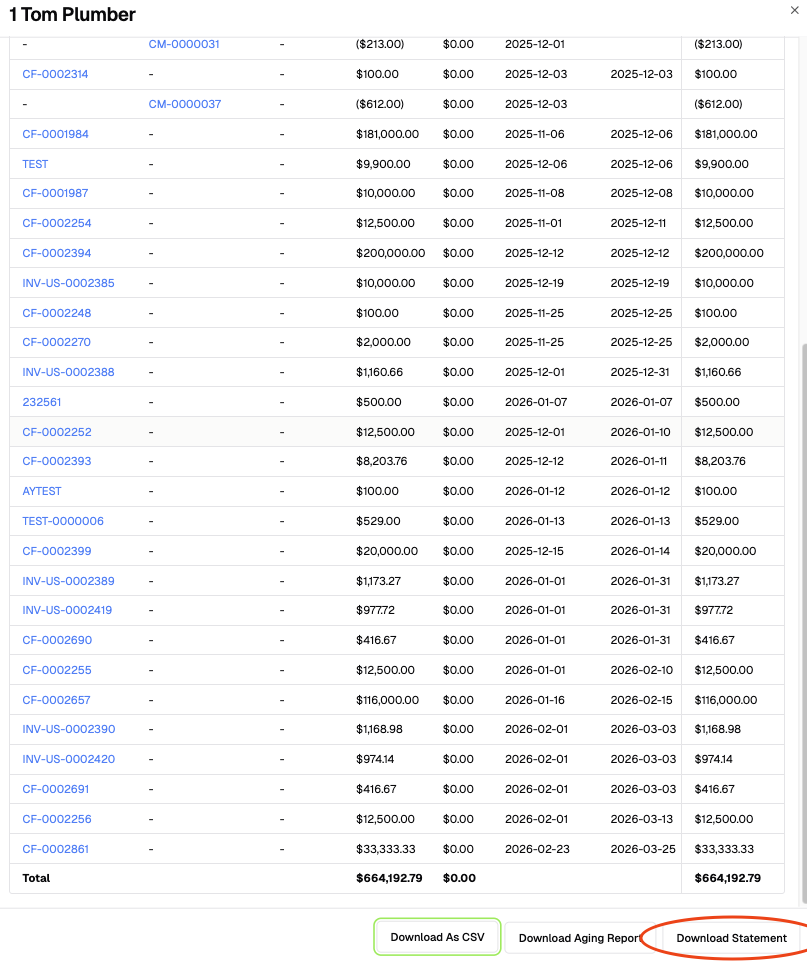
Click on the customer for which you want to generate the statement.

Select Download Statement.
You now have have a customer statement, read to send, reflecting their open invoices as of the set date.