Accessing the Campfire Help Center
Last updated: June 29, 2026
Campfire’s Help Center has moved. As of June 2026, this article is no longer being updated. Visit our new Help Center: view here.
The Campfire Help Center is your go-to resource for product documentation, feature guides, and troubleshooting tips.
To access:
Navigate to Campfire Help Center
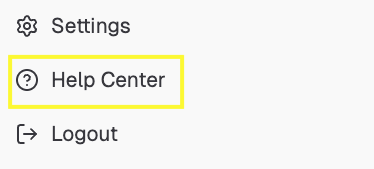
If you're logged into your Campfire account, you can access this page anytime by clicking the Help Center on the bottom left corner
Click Login on the top right and select Login as Customer

If you have any issues gaining access to the Help Center, please contact our team directly and we will assist you.
If you’re not sure how to reach us, please email us at [email protected] and we’ll connect you with the right person!